 EveryScreen
Free Chrome extension · Open source
See your site on
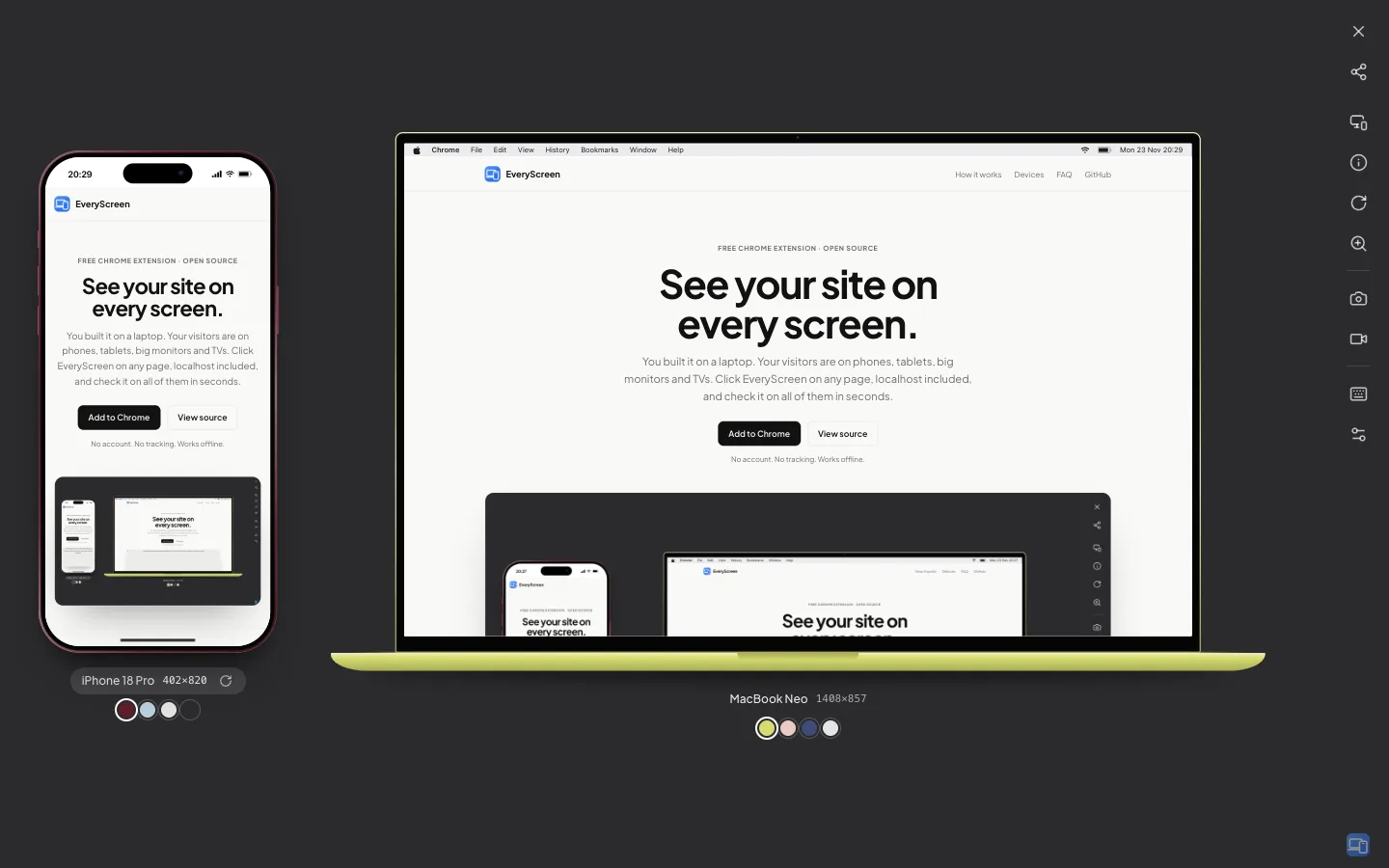
See your site on
every screen.
You built it on a laptop. Your visitors are on phones, tablets, big monitors and TVs. Click EveryScreen on any page, localhost included, and check it on all of them in seconds.
No account. No tracking. Works offline.
Three clicks, no setup
There's no separate app and nothing to configure. EveryScreen opens right on top of the page you're looking at.
01Open your pageYour production site, a staging URL or
localhost:3000. Anything Chrome can open.02Click EveryScreenThe page appears inside a real-size device. The page underneath stays exactly where you left it.
03Switch, compare, capturePick another device, put up to four side by side, rotate, take a screenshot or record a video.
Real sizes, not guesses
Each device opens at its actual CSS viewport, with its pixel ratio and user agent. Servers send the phone layout, and your media queries fire the way they do on the real thing.
The status bar, Mac menu bar and Windows taskbar take their space too, so an iPhone 17 Pro gives your page 402×820, just like Safari does.
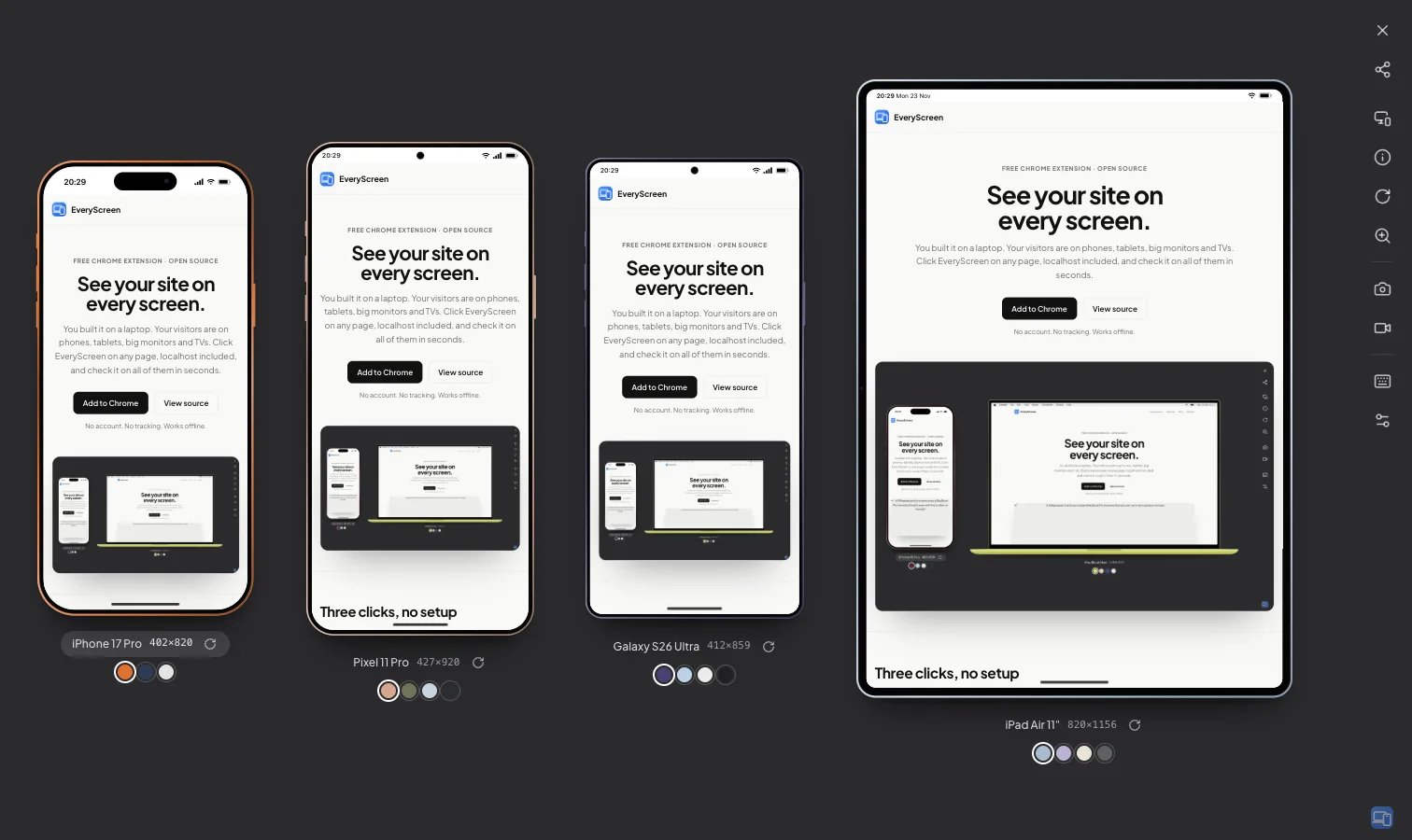
100 devices in their real colours
Burgundy iPhone 18 Pro, Citrus MacBook Neo, every iMac colour. The latest iPhones, iPhone Duo folded and unfolded, Galaxy, Pixel, OnePlus, Xiaomi, Nothing, Oppo and vivo phones, every current iPad, Android tablets, MacBook Neo, Air and Pro, Windows laptops, iMac, monitors, TVs and watches.
Missing one? Build it in a minute and share it with your team as a JSON file.
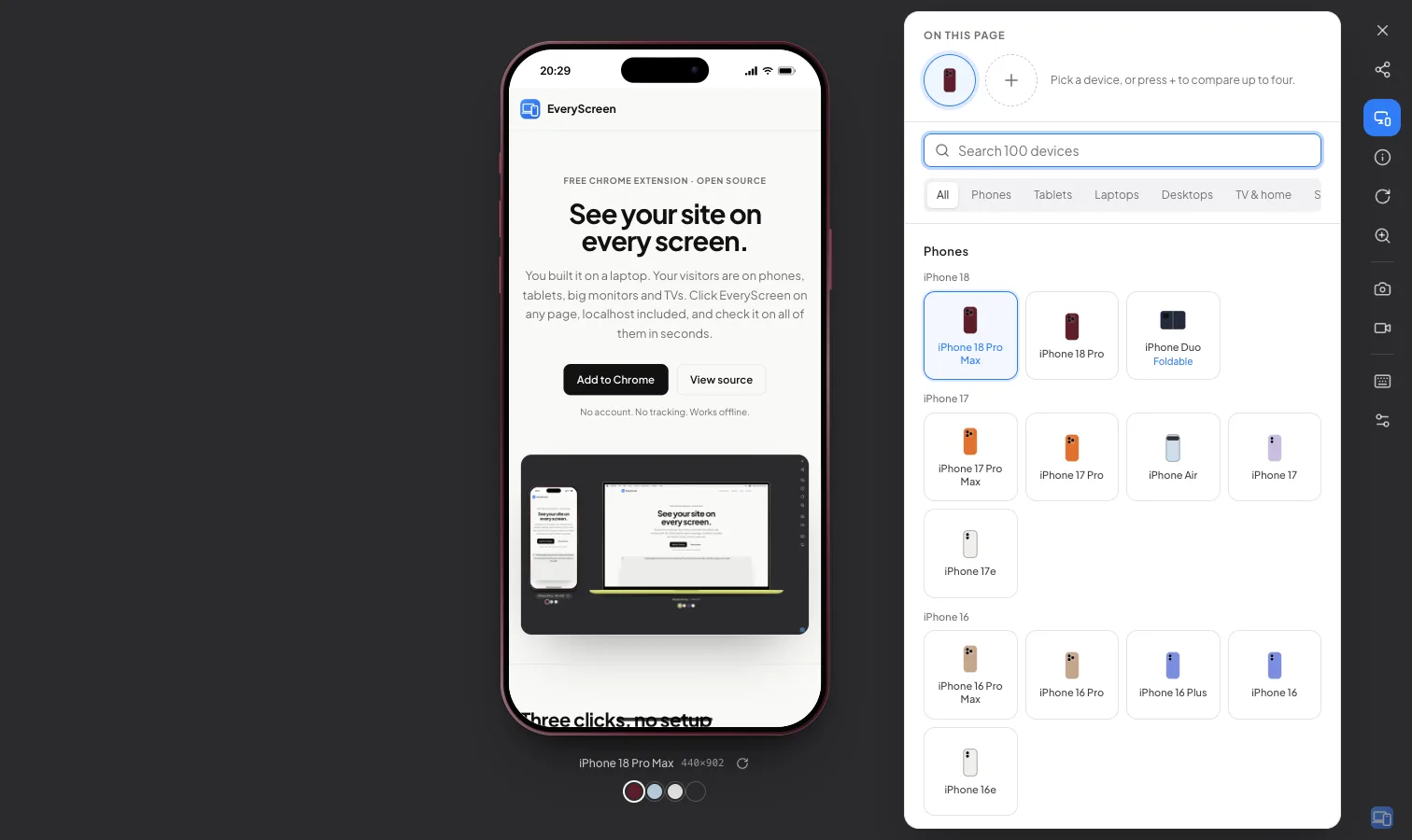
Foldables that fold, watches with real bands
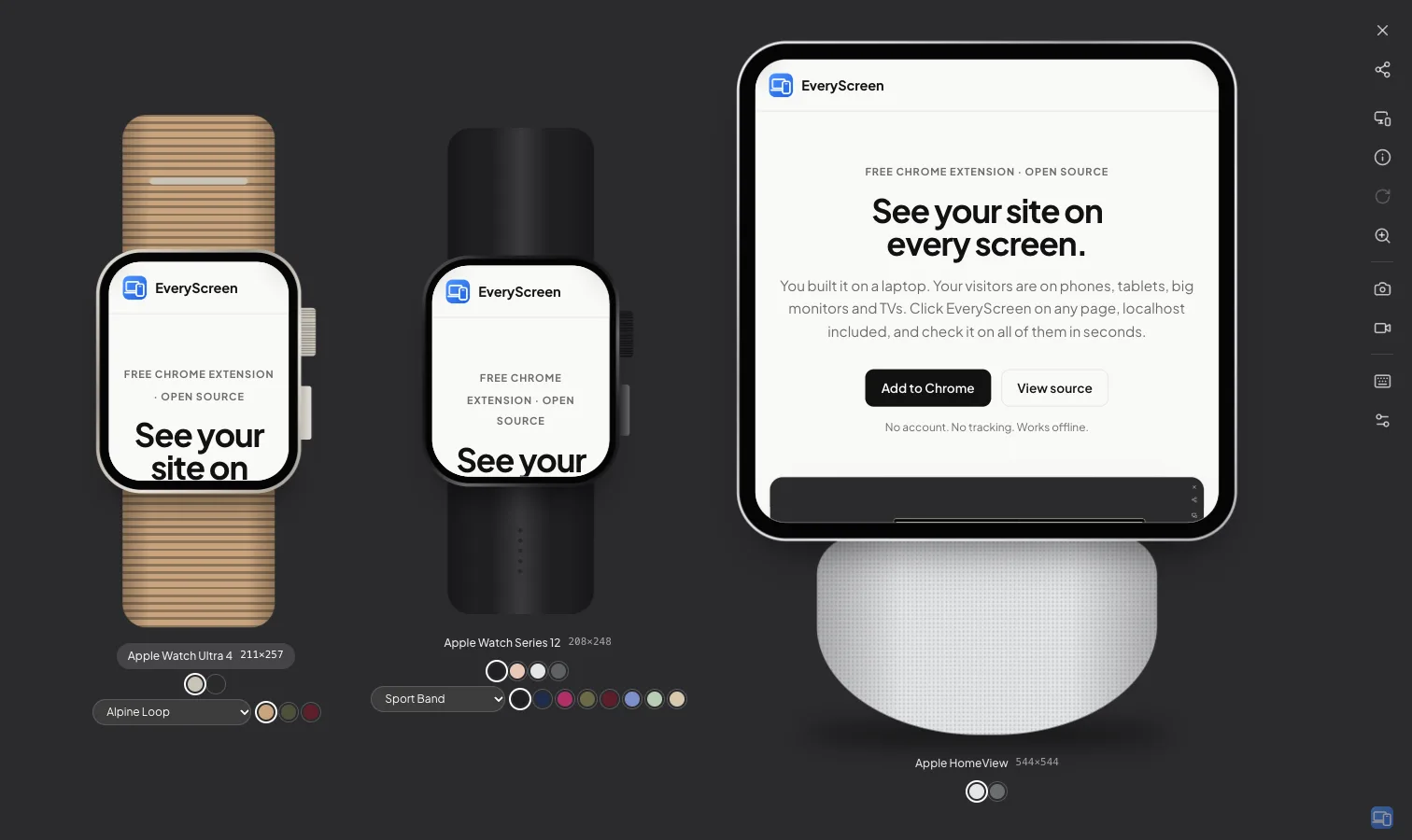
Fold iPhone Duo and Galaxy Z Fold8 shut like a book. Try every Apple Watch band. Check a dashboard on Apple HomeView or an Echo Show.
The things you actually need
Built for people who ship websites, with honest limits written down.
Works on blocked sitesPages that refuse to be embedded still open in the device frame, only inside EveryScreen's own view.
Up to four devicesSide by side, with links and scrolling kept in step across all of them.
ScreenshotsThe visible screen or the full page, with or without the frame, in PNG or JPEG.
Screen recordingRecord a device as a WebM video, cropped to the frame.
Touch feelA finger-sized cursor and drag-to-scroll on phones and tablets.
Keyboard firstD for devices, R to rotate, S to capture, Esc to close. Every action has a key.
On the list today
Apple sizes come from Apple's published specs. Others are worked out from the panel and default scaling, and are marked as estimates in the app.
iPhone 18 Pro MaxiPhone 18 ProiPhone DuoiPhone 17 / Air / 16 / 15 / SEGalaxy S26 UltraGalaxy Z Fold8 & Flip8Pixel 11 ProOnePlus 15Xiaomi 17 UltraNothing Phone (3)Oppo Find X9 Provivo X300 Prorazr ultraiPad Pro, Air, miniGalaxy Tab S11Surface ProMacBook NeoMacBook Air M5MacBook Pro 14 & 16Dell XPS 13ThinkPad X1 CarbonSurface LaptopiMac 24″Studio DisplayUltra-wide monitorsSamsung & LG TVsApple Watch Ultra 3Galaxy Watch8Smart displays
Questions
Will I have to sign in again inside the phone?
No. The preview is part of the page you're on, so the site sees your normal session.
Does it stay on when I go to another page?
Yes. Type a new address or click a link and EveryScreen comes back on the new page with the same devices. Press × when you're done.
Does it work with localhost?
Yes. Open your dev server in a tab and click EveryScreen. Hot reload keeps working inside the device.
Is it the same as testing on a real phone?
For layout, very close: the viewport, pixel ratio, user agent and touch support match the device. It still runs on Chrome's engine, so Safari-only rendering bugs and real device performance need a real device.
What does it do with my data?
Nothing leaves your computer. There's no account, no analytics and no server. Settings are stored in Chrome. Read the privacy policy.
Why does Chrome say it can "read and change data on all websites"?
To show a site inside a device frame, EveryScreen has to lift the "don't embed me" headers many sites send, and that needs access to whichever site the preview ends up on. It only does this inside its own preview frames, after you click its button, and never reads, stores or sends what's on the page. The code is open if you want to check.
Is it really free?
Yes, and the code is MIT-licensed on GitHub. Contributions and device requests are welcome.